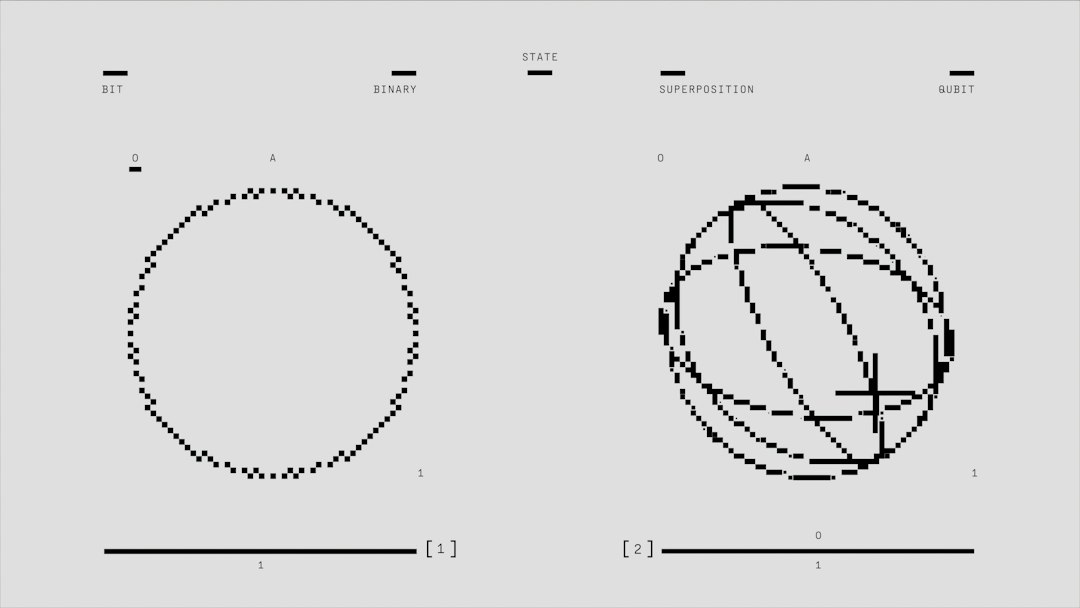
Quick Answer: Understanding Vector Versus Raster Image Formats is essential because raster files like JPEGs use pixel grids best suited for photography, while vector files like SVGs use mathematical formulas for infinitely scalable logos and line art. Choosing the wrong format results in pixelation or massive file sizes.
When diving into digital design, graphic arts, or web development, understanding vector versus raster image formats stands as a foundational requirement for producing crisp, professional visual assets. Every graphic file saved on your hard drive or displayed on a monitor falls into one of these two distinct architectural categories. While raster graphics are composed of a rigid grid of colored picture elements known as pixels, vector graphics rely entirely on complex mathematical equations, lines, curves, and nodes. This fundamental technical divide dictates how images behave when scaled, edited, and rendered across different hardware displays, from ultra-high-definition desktop monitors to mobile device screens driven by advanced iOS architecture.
As digital content creators push for faster web loading times and flawless responsive design, recognizing the exact mechanics of these file types prevents costly redesign mistakes. For instance, raster formats such as JPEG, PNG, and GIF excel at capturing subtle color gradients and photographic depth, but they deteriorate rapidly when enlarged beyond their native resolution. Conversely, vector formats like SVG, EPS, and AI maintain razor-sharp edges at any dimension, making them the industry standard for brand identity elements. Interestingly, modern tech ecosystems also influence how we handle these graphic assets, much like how high-speed data transmission standards such as Wi-Fi 7 allow heavy multimedia payloads to stream seamlessly across enterprise networks without lagging.
Historically, graphic designers had to manage strict limitations imposed by early computer memory capacities and slow processing speeds, forcing hard choices between image fidelity and file weight. Today, developers can leverage comprehensive academic resources like Vector Versus Raster documentation to analyze mathematical rendering engines and color profiles. Whether you are building an e-commerce platform using Shopify, editing promotional videos in Adobe Premiere Pro CC 2026, or designing marketing collateral in Figma, mastering the unique traits of both imaging frameworks ensures your visual projects meet the highest standards of technical excellence and aesthetic appeal.
Deep Dive Into Raster Graphics: Pixels, Resolution, and Common Formats
Anatomy of a Pixel Grid
Raster images, frequently referred to as bitmap graphics, are constructed using a rectangular grid of individual pixels, each assigned a specific color value and opacity level. When viewed from a distance, these microscopic color squares blend together to form a seamless photographic image or digital painting. However, because the total number of pixels is fixed at the moment of creation, measured in PPI (pixels per inch) or total dimensions like 1920x1080, raster graphics lack inherent scalability. When you attempt to enlarge a raster image beyond its original boundaries, software algorithms like bicubic resampling must guess and insert missing pixels, resulting in noticeable blurriness, artifacts, and jagged edges known as pixelation.
Industry-Standard Raster File Formats
Different raster file types serve specific use cases across digital media and professional photography. The JPEG (Joint Photographic Experts Group) format remains the ubiquitous standard for web photographs, utilizing lossy compression algorithms that strip away redundant color data to reduce file sizes down to manageable ranges, often between 100KB and 500KB for standard web displays. Meanwhile, the PNG (Portable Network Graphics) format employs lossless compression, preserving every single pixel of data and supporting advanced alpha channel transparency, which makes it indispensable for website user interface elements, transparent logos, and product mockups. Other specialized formats include TIFF, favored by professional photographers and publishing houses for archival-grade prints due to its uncompressed color depth, and WebP, developed by Google to deliver superior compression rates that can reduce file weights by up to 34% compared to traditional JPEG counterparts.
Performance Impact and Best Practices
Managing raster assets effectively requires a delicate balance between visual fidelity and web performance metrics. High-resolution uncompressed files can easily exceed 25MB each, drastically slowing down website load times and negatively impacting core web vitals monitored by search engine crawlers. To mitigate this, developers routinely use image optimization utilities like ImageOptim or ShortPixel to compress raster assets before deployment. Additionally, utilizing modern responsive HTML markup with srcset attributes allows servers to serve appropriately sized raster images based on the user's viewport width, ensuring a mobile user on an iPhone 15 Pro downloads a lightweight 400-pixel-wide image rather than a massive 4K desktop asset.
Exploring Vector Graphics: Mathematics, Scalability, and Professional Tools
The Power of Mathematical Paths
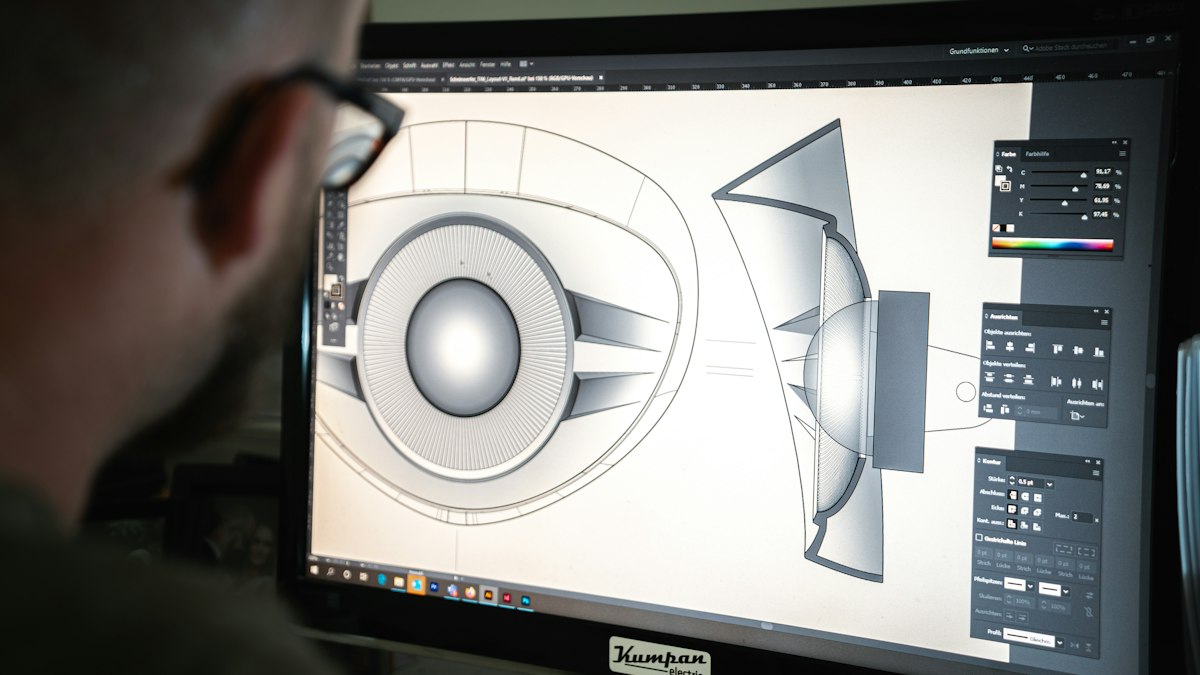
Unlike their pixel-based counterparts, vector graphics discard grids entirely in favor of geometric formulas, Bézier curves, anchor points, control handles, and stroke weights. When a vector file renders on screen, the computer's graphics processing unit (GPU) calculates the exact path geometry in real time, determining where lines start, curve, and intersect. This mathematical foundation means a vector file containing a simple company logo can be scaled down to fit on the side of a mechanical pen or enlarged to cover a massive 50-foot billboard in Times Square without losing a single fraction of an inch in edge sharpness. The file size remains remarkably small, often just a few kilobytes, because the system only stores numerical coordinates rather than millions of individual pixel color values.
Core Vector File Extensions
Graphic designers and enterprise marketing teams rely on specific proprietary and open vector file extensions to maintain workflow efficiency. The SVG (Scalable Vector Graphics) format has become the undisputed king of web vector graphics, natively supported by all modern web browsers and easily manipulated using Cascading Style Sheets (CSS) and JavaScript for dynamic animations. Adobe Illustrator's native .AI format serves as the industry gold standard for creating complex vector artwork, offering advanced layering, live effects, and robust color management. Other standard formats include EPS (Encapsulated PostScript), traditionally used for legacy print workflows and transferring vector data between different publishing software, and PDF, which can encapsulate both vector and raster data depending on how the document was originally exported from design suites like CorelDRAW or Affinity Designer.
Workflow Integration and Conversion Challenges
Integrating vector workflows into digital production pipelines requires specialized software skills and precise asset management. Professional vector editing suites, such as Adobe Illustrator, which starts at $20.99 per month for single-app subscriptions, or the one-time purchase Affinity Designer priced around $69.99, allow artists to manipulate anchor points with absolute precision. However, a common misconception is that you can effortlessly convert any raster image into a vector graphic. While auto-trace tools found in modern design software can analyze pixel boundaries and approximate paths, converting a detailed photographic portrait into a clean vector graphic often requires hours of manual redrawing and path simplification to avoid producing bloated files with thousands of unnecessary anchor nodes.
Practical Applications: Choosing the Right Format for Every Project
Digital Photography and Complex Textures
When deciding which format to deploy for a specific project, the nature of the visual content should dictate your technical choice. For digital photography, realistic portraits, complex digital paintings, and images featuring millions of subtle color gradations and lighting shadows, raster formats are the only viable solution. A vector format cannot accurately replicate the organic texture of human skin, the complex light refraction in a glass of water, or the nuanced shadows of a sunset captured by a Sony Alpha a7R V camera sensor. Trying to trace a photograph into vector paths results in a stylized, cartoonish abstraction rather than a faithful photographic reproduction, making JPEG, PNG, or WebP the mandatory choice for photo galleries and e-commerce product catalogs.
Brand Identity, Logos, and Typography
Conversely, corporate branding, typography, UI icons, line illustrations, and geometric patterns demand vector formats. A company logo must maintain absolute clarity whether it is stamped onto a tiny favicon in a browser tab, printed on business cards, or embroidered onto corporate apparel. Utilizing a raster PNG for a brand logo often leads to embarrassing pixelation when a client enlarges the graphic for trade show banners. By utilizing SVG files for web deployment, developers ensure logos render with crystal-clear vector clarity on high-density Retina displays while allowing marketing teams to modify stroke colors dynamically using CSS styling rules. Furthermore, vector formats streamline the creation of responsive user interfaces that adapt fluidly to varying screen orientations and display resolutions.
Hybrid Workflows and Strategic Decision-Making
Modern multimedia projects frequently demand a hybrid approach, combining the strengths of both vector and raster formats within a single cohesive composition. For example, a web banner might feature a crisp vector geometric background and typography paired with a meticulously masked raster photographic subject. Digital artists frequently sketch concepts in raster painting software like Procreate on an iPad before exporting line art into Adobe Illustrator to vectorize paths for final branding collateral. Content strategists must evaluate end-use requirements, considering factors like print specifications, digital display limitations, bandwidth constraints, and future editing flexibility, before assigning file formats to creative assets, ensuring optimal performance and professional visual presentation across all brand touchpoints.
Final Thoughts
Key Takeaway: Mastering the distinctions between vector and raster image formats allows creators to optimize web performance, maintain pristine visual fidelity across all screen sizes, and select the correct file extension, whether SVG, PNG, or JPEG, for every unique digital or print design project.
Navigating the technical landscape of digital graphics requires a clear appreciation of how different file formats store and render visual information. By matching raster formats to photographic content and vector formats to scalable branding elements, professionals can eliminate workflow bottlenecks and deliver superior visual experiences. As display technologies continue to evolve with higher pixel densities and advanced rendering pipelines, keeping these core principles in mind guarantees that your digital assets remain sharp, performant, and versatile.
Frequently Asked Questions
Can I convert a raster image into a vector image without losing quality?
Converting a raster image into a vector image involves tracing pixel boundaries to generate mathematical paths. While automatic vectorization tools in software like Adobe Illustrator can successfully convert high-contrast logos or simple line art, complex photographs cannot be converted without losing realistic photographic detail and requiring manual path cleanup.
Why do web developers prefer SVG files for icons and logos?
Web developers heavily prefer SVG files because they are resolution-independent vector graphics that remain perfectly crisp on all screen densities, including high-end smartphone displays and 4K monitors. Additionally, SVG files have extremely small file sizes and can be styled, colored, and animated directly using CSS and JavaScript.
What is the primary difference in file compression between JPEG and PNG?
JPEG uses lossy compression, which permanently discards minor color data to achieve smaller file sizes suitable for web photographs. PNG uses lossless compression, preserving every single pixel of image data and supporting transparent backgrounds, which makes it ideal for user interface graphics and logos.
When should I use a TIFF file instead of a JPEG?
TIFF files should be used when you require uncompressed, archival-quality image storage for professional printing, fine art reproduction, or heavy multi-layer photo editing. Unlike JPEG, which degrades in quality every time the file is saved, TIFF preserves maximum color depth without compression artifacts.
How do vector graphics maintain their sharpness at any size?
Vector graphics maintain absolute sharpness because they are not made of pixels; instead, they use mathematical equations, anchor points, lines, and curves to define shapes. When an image is resized, the computer simply recalculates the mathematical coordinates in real time to render smooth edges at any scale.